Progress notes
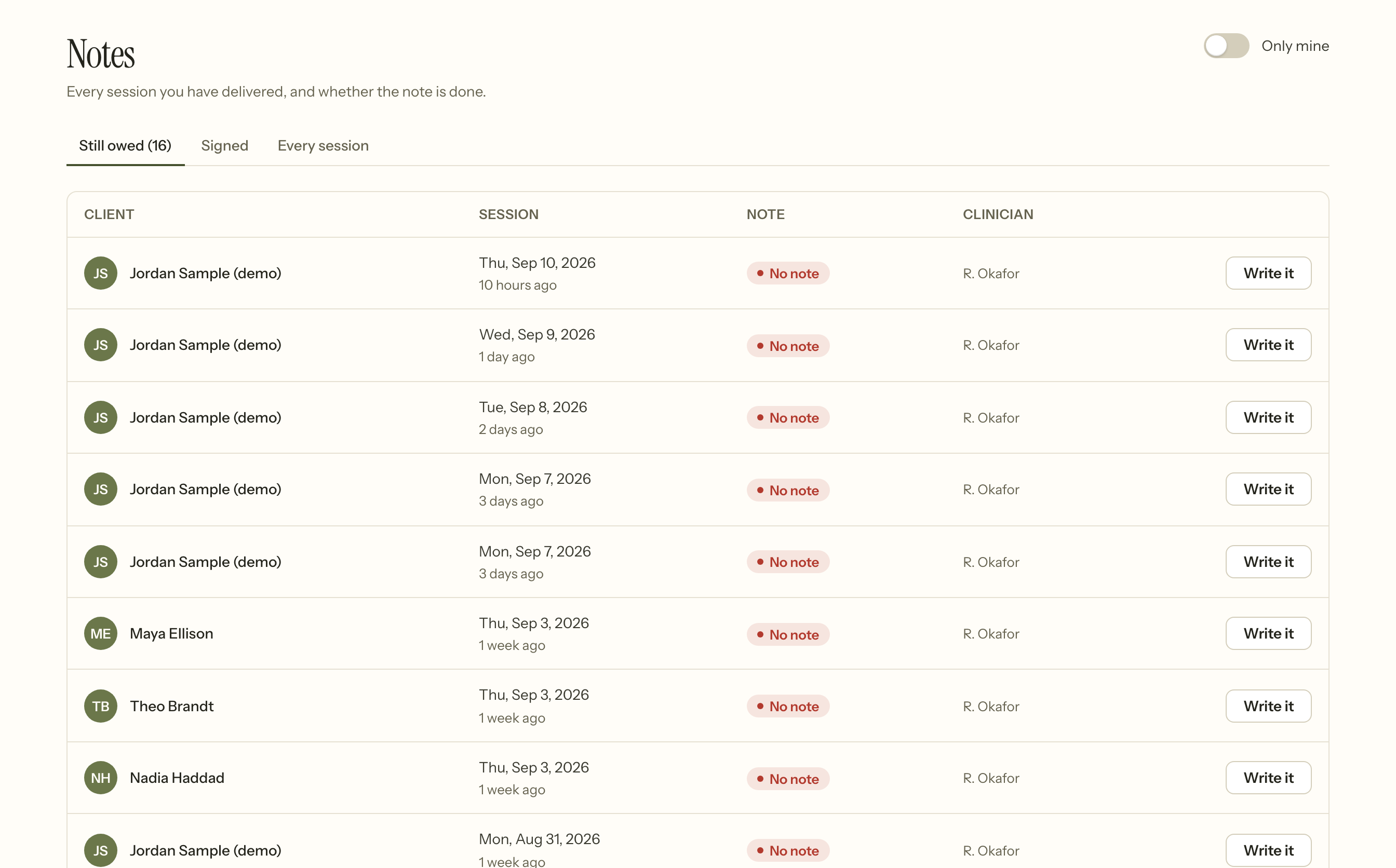
A progress note belongs to an appointment and is part of the clinical chart. It is written, then signed.
Signing locks it — unless the author is supervised, in which case the co-signature is what locks it. A locked note is a record rather than a draft, and changing one takes a deliberate step.
The usual correction is an addendum, which sits alongside the original and says who added it and when. The original text stays. The other is Reopen for editing, available to the session's clinician and to the practice owner: it clears the signature, returns the note to a draft, and is recorded. Reopen when the note is wrong; add an addendum when it is incomplete.
This is not an inconvenience to work around. A note that can be silently rewritten after the fact is not evidence of anything, and every records regime treats it that way.
Supervision and co-signature
A pre-licensed clinician's notes go to their supervisor for co-signature before they lock. Who supervises whom is set by the supervision assignment, not on the clinician's own record.
Psychotherapy notes
These are separate from the chart, and the separation is legal rather than a preference.
Under HIPAA §164.508, psychotherapy notes are the clinician's own process notes — kept apart from the record, and disclosed only with a specific authorisation that cannot be bundled with anything else.
In Insight that means:
- Only the author can read one. Not colleagues, not the Owner.
- They are left out of every export unless somebody holds a signed authorisation for them specifically, and out of the practice-wide export always. A records request under the right of access does not reach them.
- They are never served over the API.
- They are audited separately from the chart.
If you are unsure whether something belongs in the chart or in a psychotherapy note, the test is who it is for: the record is for the care team and anyone entitled to the chart, the psychotherapy note is for you.
Treatment plans and diagnoses
A client's problem list and treatment plan live on the chart. Goals can be rated over time, which is what the progress view reads from.
A plan is signed to make a version final, and revising it produces a new version rather than editing the old one. What the plan said in March is part of the record of what you were treating in March.
Diagnoses sit on the chart, with one marked primary. A claim carries every active diagnosis, up to the twelve a CMS-1500 has room for — the primary is simply the first of them, not the only one. So resolving a diagnosis you no longer treat is not cosmetic: while it is active it goes on the claim.
When the client says something is wrong
An addendum is you correcting your own record. A client saying a detail about them is wrong is a different thing, and it arrives from the portal.
They can flag their phone, email or address. Insight keeps both values — what the record said and what they say it should say — and shows you the pair to resolve. The old value is not overwritten on their say-so, because the history of a record somebody has corrected is part of the record.
That covers contact details, which is the overwhelming majority of what clients raise. A request to amend clinical content under §164.526 is a process you run rather than something the product completes for you: it has to be answered within a time limit, and if you deny it, the client's statement of disagreement is kept with the chart. Record what you did as an addendum so the chart carries the outcome.
Templates
Note templates give a consistent shape to your documentation. They contain structure and prompts, never clinical content about a particular person — Insight supplies the form, the clinical judgement is yours.
Changing a template does not touch notes already written with it. A note is the words that were written, not a live rendering of a form that has since moved on.
When it goes wrong
You cannot edit a note you just signed. That is the lock. Add an addendum — the original stays and the correction is dated and attributed — or press Reopen for editing, which clears the signature and is recorded in the audit trail.
"Awaiting co-signature." The author is supervised. It stays editable, and the supervisor's signature is what makes it final.
A session keeps appearing as owing a note. A saved draft is not a signed note.
You cannot see a colleague's note. Not a caseload question — widening an access scope changes nothing here. A progress note is readable by the session's clinician, the practice owner, that clinician's supervisor, or somebody holding a client-access grant. Psychotherapy notes are visible only to their author, with no exception — including for the Owner, which is the point of them.
A psychotherapy note was left out of an export. Deliberately. Disclosing one needs its own signed authorisation, which cannot be bundled with anything else — the right of access does not cover it.
Where that authorisation exists, a single-client export can carry them: tick Include psychotherapy notes on the export. Insight checks for the authorisation and refuses without one, so the tick box is not a way round the rule, it is how you exercise it. The practice-wide export never includes them under any circumstances, because one authorisation cannot cover everybody.
A claim will not build. The note is not the reason — a session with no note at all will bill. The one documentation rule that does block it is a supervised clinician's note awaiting co-signature, which is a hard stop.
What the scrubber actually asks for is a payer, the right identifier for that payer's type, at least one diagnosis, a billed amount, at least one service line, a service code and place of service and unit count on every line, an NPI for the rendering clinician, the client's date of birth, and service dates that are not in the future. It names whichever of those is missing, so read the refusal rather than checking the note.
Related
- Writing and signing a note — step by step
- Clients — the chart a note belongs to
- Booking an appointment — the session it is written against